Separate service pages
Hair, colour, barbering, nails and spa each get a page with prices and photos of your own work.

Beauty and grooming SEO
For hair salons, barbers, nail spas, day spas and beauty studios. Clients want to see the work, check the price and book without picking up the phone.
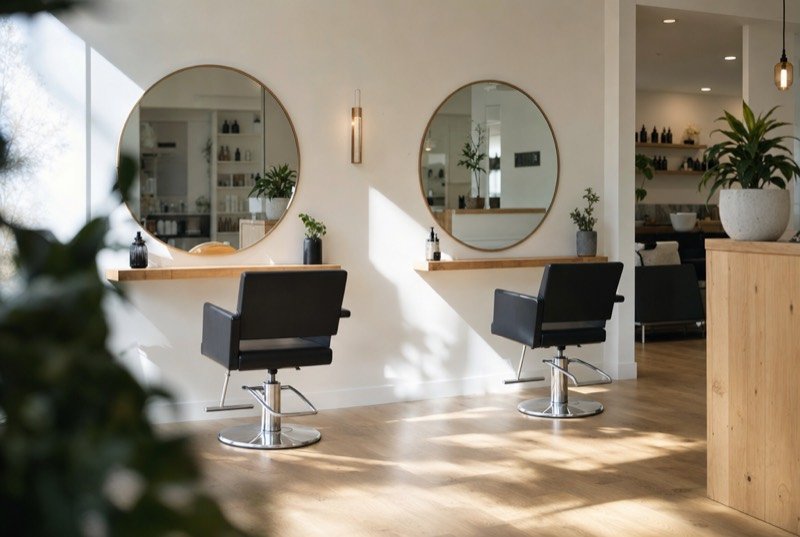
Beauty searches in Thunder Bay, Ontario are practical. Google suggests thunder bay hair salon book online, nail salon thunder bay prices and barber thunder bay open now: one client who wants to book from the couch, one checking cost, and one who needs a cut today. The salons that get chosen settle those three questions without a call.
The short word “spa” is a trap. Of the ten suggestions for thunder bay spa, six are about something else entirely, from spay and neuter clinics to spaghetti suppers. A page that says “spa packages”, “massage” or “manicure” in full is far easier for Google to match than one leaning on the bare word.
Place matters too. nail salon thunder bay mall and thunder bay mall hair salons show people choosing by where they already shop, such as the Intercity area.

Search demand
Recorded exactly as Google.ca offered them in October 2026; online booking, cost and same-day timing run through the list.
Many salons post their menu as a photo or PDF, which Google struggles to read and phones make awkward to zoom. A plain-text service menu with prices, durations and who offers each service answers nail salon thunder bay prices directly and gives the page real words to rank with.
What we find
Four issues we see on beauty and grooming sites around the city.
If book-online is buried in a menu, phone visitors leave. Put it at the top of every page and on your Google profile.
Each service is its own search. A single “services” page cannot compete for thunder bay nail spa and thunder bay spa packages at once.
Wrong evening, Sunday or holiday hours on Google lose “open now” searches and frustrate clients who arrive to a locked salon.
People choose a stylist by results. Recent photos of your own work, shared with consent, beat any stock image.
The work
Hair, colour, barbering, nails and spa each get a page with prices and photos of your own work.
Your booking tool linked from every page and your profile.
Short pages for each stylist or technician, with specialties and a portfolio, so clients can pick a person.
Accurate hours, holiday changes, the booking link and fresh photos on your Google Business Profile.
A friendly text after appointments, which tends to bring reviews that name the service and the stylist.
On Pro, Google Ads for spa packages and gift cards around the holidays, within a budget you approve. Ad costs go to Google.
Done carefully
Every trade has its own rules and regulators. These are the limits we keep on this kind of work.
Show the work you did, priced the way you charge for it, and let the results make the case.
Under the Competition Act, photos and prices in advertising must not mislead. We use before-and-after images only from your own clients with their permission, limit edits to lighting and cropping, and list “from” prices only when clients can actually book at that starting price.
Ask us about your business
How we work
From a first look at your listing to a short monthly report you can read over coffee.
We study your site and Business Profile, then test where you surface from several corners of Thunder Bay.
Together we settle on the searches that matter and tie each to one page or one listing change.
Profile, site, content and directory fixes, beginning with whatever should shift results soonest.
Each month you see the calls, messages and positions we tracked, plus what we will tackle next.
Questions
It helps, but there you sit beside every other salon on the app. Your own site is where you control the photos, prices and descriptions Google reads.
Starting prices with a short note on what changes them work well. Price searchers skip salons that show none.
Those results lean on accurate hours and distance, so keep Google hours exact and add walk-in times.
If nails are a real part of the business, yes. thunder bay nail spa and nail salon thunder bay prices are searches of their own, and a hair-focused page will not match them well.
A single-chair studio and a busy salon need different amounts of work, hence three tiers: $300, $500 and $700 per month, in CAD, with no long-term commitment. Gift-season ads are only possible on Pro, the tier that includes Google Ads management, and Google charges for the ads separately. See how the tiers differ.
Further reading
More on this topic, written for business owners in Thunder Bay.
Any of these can be taken on its own; many clients begin with just one.
Every trade is searched in its own way here, so every page is researched separately.
Ask for a free audit: where you show up on the north side and the south side, who sits ahead of you, and which fixes to make first.
Ask for my free audit